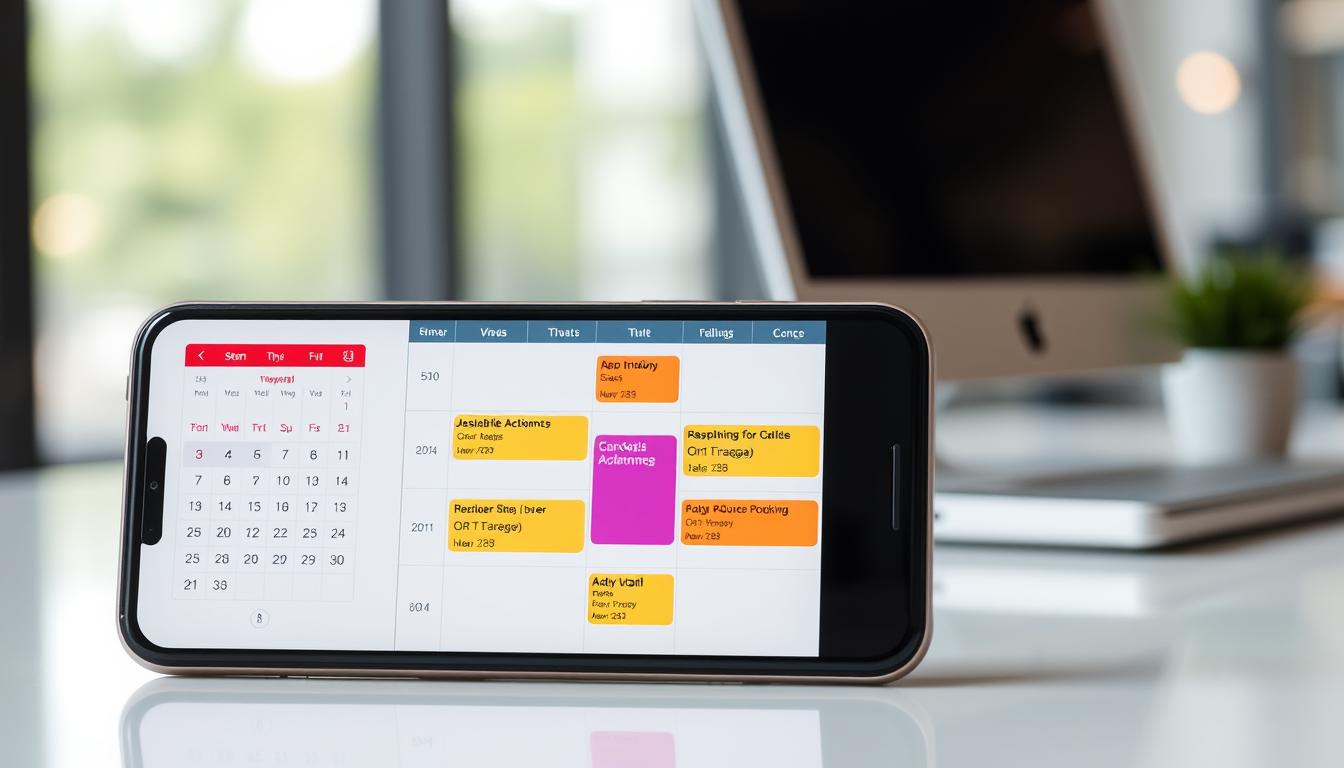
Reminder in Outlook Calendar
As we navigate through our busy lives, managing multiple tasks and deadlines can be overwhelming. That’s where the reminder feature in Outlook calendar comes into play. This feature allows us to set reminders for upcoming events, appointments, and deadlines, ensuring that we stay on track and meet our commitments. In this article, we’ll delve into the world of reminders in Outlook calendar, exploring its key points, benefits, and how to use it effectively.
Key Points:
1. Setting Reminders
Setting reminders in Outlook calendar is a straightforward process. Once you’ve created an event or appointment, you can set a reminder by clicking on the “Reminder” dropdown menu and selecting the desired time frame. You can choose from various options such as 15 minutes, 30 minutes, 1 hour, 2 hours, 4 hours, 8 hours, 12 hours, 24 hours, and so on.
2. Customizable Reminders
One of the best features of reminders in Outlook calendar is its customizability. You can set different types of reminders based on your needs. For instance, you can choose from various alert sounds, vibration options, or even schedule a reminder to pop up at specific times. This feature allows you to tailor your reminders according to your personal preferences.
3. Repeating Reminders
Outlook calendar also offers repeating reminders, which are perfect for recurring events such as meetings, appointments, or deadlines. By setting up a repeating reminder, you can ensure that you receive notifications at the same time every week, month, or year, helping you stay on top of your commitments.
4. Mobile Notifications
With the rise of mobile devices, reminders in Outlook calendar have become more accessible than ever. You can set reminders on your phone or tablet and receive notifications as soon as the reminder is due. This feature allows you to stay connected to your calendar even when you’re on-the-go.
5. Integration with Other Apps
Outlook calendar integrates seamlessly with other Microsoft apps such as OneNote, SharePoint, and Office Online. By linking these apps, you can create reminders that cross-platform boundaries, ensuring that you receive notifications across all devices.
Conclusion:
In conclusion, the reminder feature in Outlook calendar is a powerful tool for staying organized and on track. With its customizable options, repeating reminders, mobile notifications, and integration with other Microsoft apps, this feature has become an essential part of our daily routine. By using this feature effectively, we can ensure that we meet our commitments, manage our time efficiently, and maintain a healthy work-life balance.