






Introduction
Dermatology clinics are medical facilities that specialize in the diagnosis and treatment of conditions related to the skin, hair, and nails. With the advancement of technology, it has become imperative for these clinics to adopt efficient and user-friendly software solutions to manage their operations effectively. This is where dermatology clinic POS software comes into play. POS (Point of Sale) software is a management tool commonly used in the retail industry. However, in recent years, it has become an integral part of medical practices, including dermatology clinics, to streamline their processes and improve patient care.
Key Points
1. What is dermatology clinic POS software?
Dermatology clinic POS software is a specialized management system designed to cater to the unique needs of dermatology clinics. It is a combination of hardware and software that allows clinics to manage their daily operations, such as patient appointments, inventory management, billing, and record-keeping, all in one place. This software is specifically tailored to meet the needs of dermatology clinics, making it a valuable asset for these facilities.
2. Features of dermatology clinic POS software
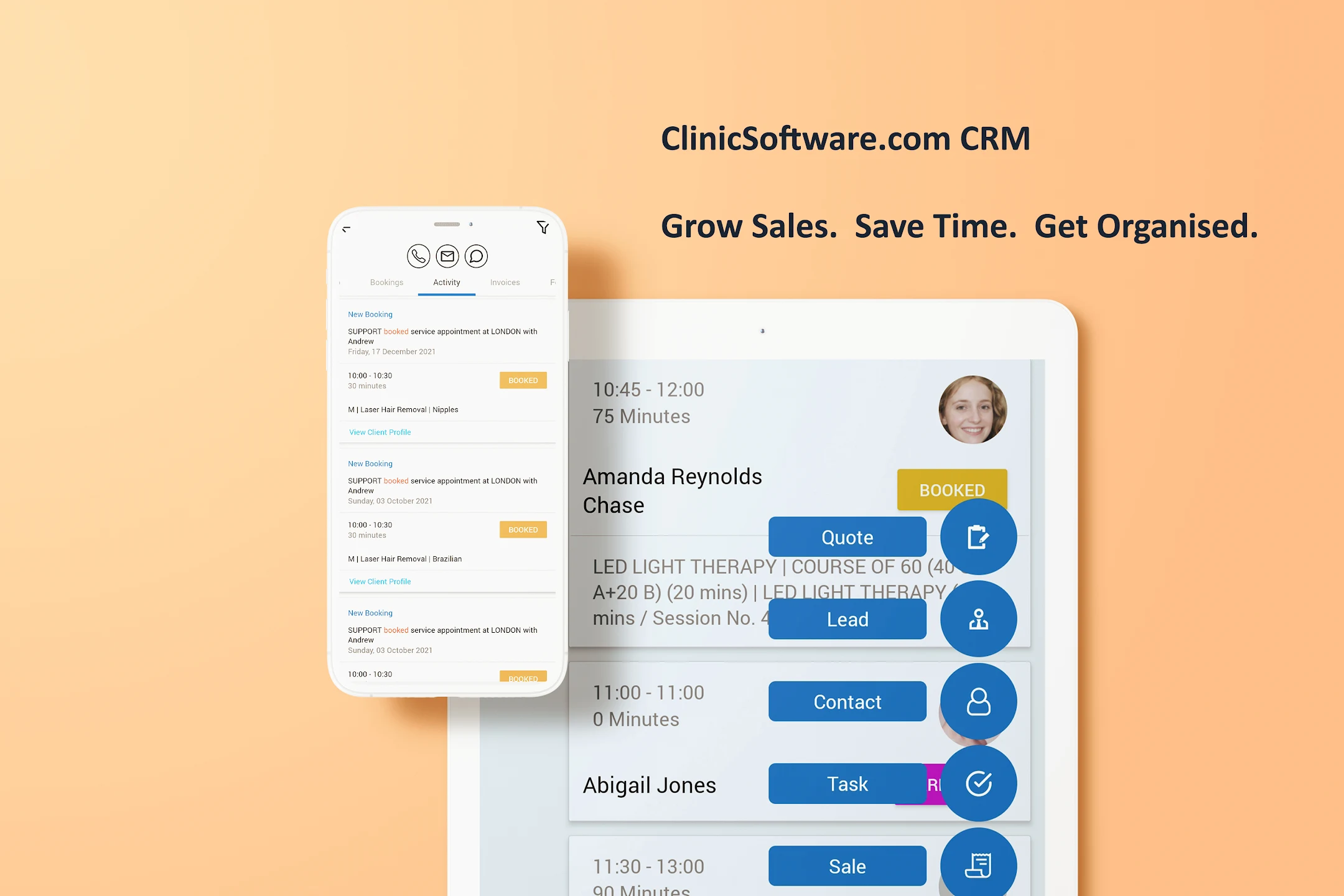
a. Appointment scheduling: One of the key features of dermatology clinic POS software is its ability to manage appointments efficiently. It allows clinics to schedule and manage patient appointments in real-time, reducing the chances of double-booking or missed appointments.
b. Electronic medical records (EMR): EMR is an essential feature of POS software that enables clinics to store and manage patient records electronically. This eliminates the need for physical storage salonce for paper records and makes it easier to access patient information when needed.
c. Inventory management: Dermatology clinics deal with a wide range of products, from skincare products to medical equipment. POS software allows clinics to track their inventory, monitor stock levels, and generate purchase orders when necessary, ensuring that the clinic never runs out of essential supplies.
d. Billing and invoicing: This feature enables clinics to generate accurate and detailed invoices for patients, including a breakdown of services provided and any additional charges. It also allows for easy payment processing and keeps track of outstanding balances.
e. Reporting and analytics: POS software provides clinics with valuable insights through its reporting and analytics feature. It allows clinics to track key metrics such as patient visits, revenue, and inventory levels, providing valuable information to improve the clinic’s overall performance.
3. Benefits of using dermatology clinic POS software
a. Improved efficiency: POS software streamlines the daily operations of a dermatology clinic, reducing the time and effort required to manage tasks such as appointment scheduling, record-keeping, and inventory management. This, in turn, allows for better use of resources and improved efficiency.
b. Enhanced patient experience: With POS software, clinics can manage patient appointments and records more efficiently, resulting in a smoother and more organized patient experience. This increases patient satisfaction and improves the overall reputation of the clinic.
c. Cost-effective: POS software eliminates the need for manual record-keeping and reduces the chances of errors, resulting in cost savings for the clinic. It also helps clinics to keep track of their inventory, avoiding wastage, and minimizing losses.
d. Integration with other systems: Dermatology clinic POS software can be integrated with other systems such as accounting software and electronic medical records, providing a seamless flow of information between different departments within the clinic.
e. Better data management: POS software allows clinics to store and manage patient data efficiently, reducing the chances of errors and making it easier to access patient information when needed. This also ensures compliance with data protection regulations.
4. How to choose the right dermatology clinic POS software?
a. Assess your clinic’s needs: Before selecting POS software, it is essential to understand your clinic’s specific needs and the features required to address them. This will help narrow down the options and choose a software that best suits your clinic’s requirements.
b. User-friendly interface: The software should be easy to use and navigate for both clinic staff and patients. A user-friendly interface will ensure a smooth and efficient workflow, minimizing the chances of errors.
c. Customizability: Every dermatology clinic is unique, and their needs may vary. The software should be customizable to adapt to the clinic’s specific processes and workflows.
d. Training and support: It is crucial to choose a software provider that offers training and ongoing support to ensure smooth implementation and usage of the software.
e. Security and compliance: Since the software will contain sensitive patient information, it is essential to choose a secure and compliant system that adheres to data protection regulations.
Conclusion
In conclusion, dermatology clinic POS software is an essential tool for managing the daily operations of these medical facilities. With its advanced features and benefits, it streamlines processes, improves efficiency, and enhances patient care. When choosing the right software, it is essential to assess the clinic’s needs, consider the software’s features, and ensure compliance with data protection regulations. With the right dermatology clinic POS software, clinics can improve their overall performance and provide the best possible care for their patients.